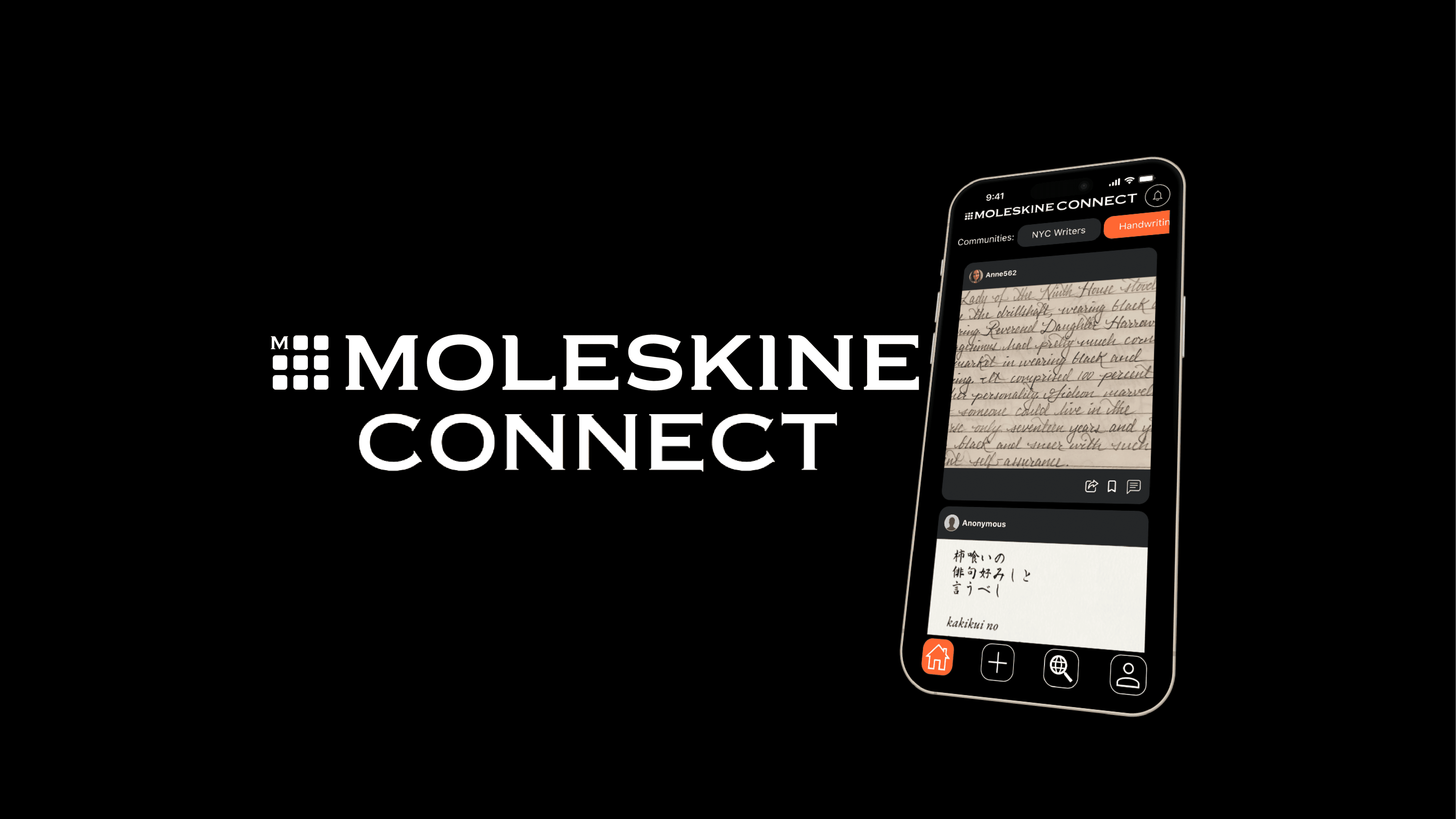
Moleskine Connect
Moleskine Connect
Moleskine Connect
Client:
Client:
Moleskine (Unofficial)
Moleskine (Unofficial)
Services:
Services:
UX & UI Design, Social Networking
UX & UI Design, Social Networking
Moleskine Smart Notebooks enable you to pick up a pen or pencil and create freely on paper first and then quickly and smoothly transfer your drawings, notes or sketches into digital format so you can continue to organize, edit and share them from your computer or digital device. Moleskine wants to explore the possibility of adding a new feature to their smart notebook line - social networking. I was tasked with this project alongside two classmates as a part of my course work at General Assembly.
Moleskine Smart Notebooks enable you to pick up a pen or pencil and create freely on paper first and then quickly and smoothly transfer your drawings, notes or sketches into digital format so you can continue to organize, edit and share them from your computer or digital device. Moleskine wants to explore the possibility of adding a new feature to their smart notebook line - social networking. I was tasked with this project alongside two classmates as a part of my course work at General Assembly.
Fear of sharing work
Fear of sharing work
Through conducting interviews, our users voiced to us that they wanted to collaborate and receive meaningful feedback from like-minded peers, but that they often feel hesitant due to fear of judgment and limited control over who sees their work. Through these insights, we concluded that users need a safe space where they can share selectively, maintain control over privacy, and receive constructive feedback within trusted communities, ultimately helping them build confidence and progress in their creative journey.
Through conducting interviews, our users voiced to us that they wanted to collaborate and receive meaningful feedback from like-minded peers, but that they often feel hesitant due to fear of judgment and limited control over who sees their work. Through these insights, we concluded that users need a safe space where they can share selectively, maintain control over privacy, and receive constructive feedback within trusted communities, ultimately helping them build confidence and progress in their creative journey.
Creating a safe, communal, low pressure space
Creating a safe, communal, low pressure space
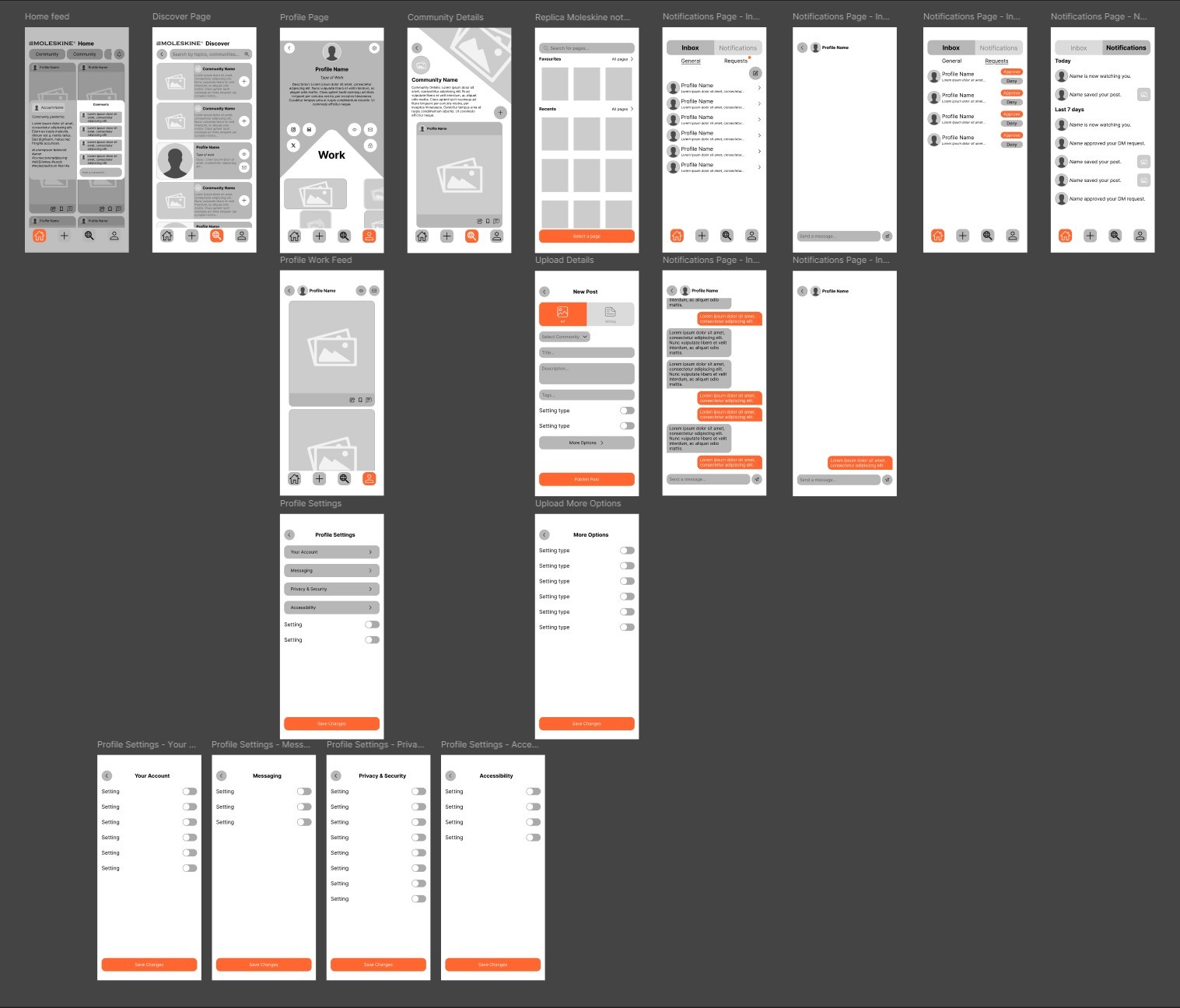
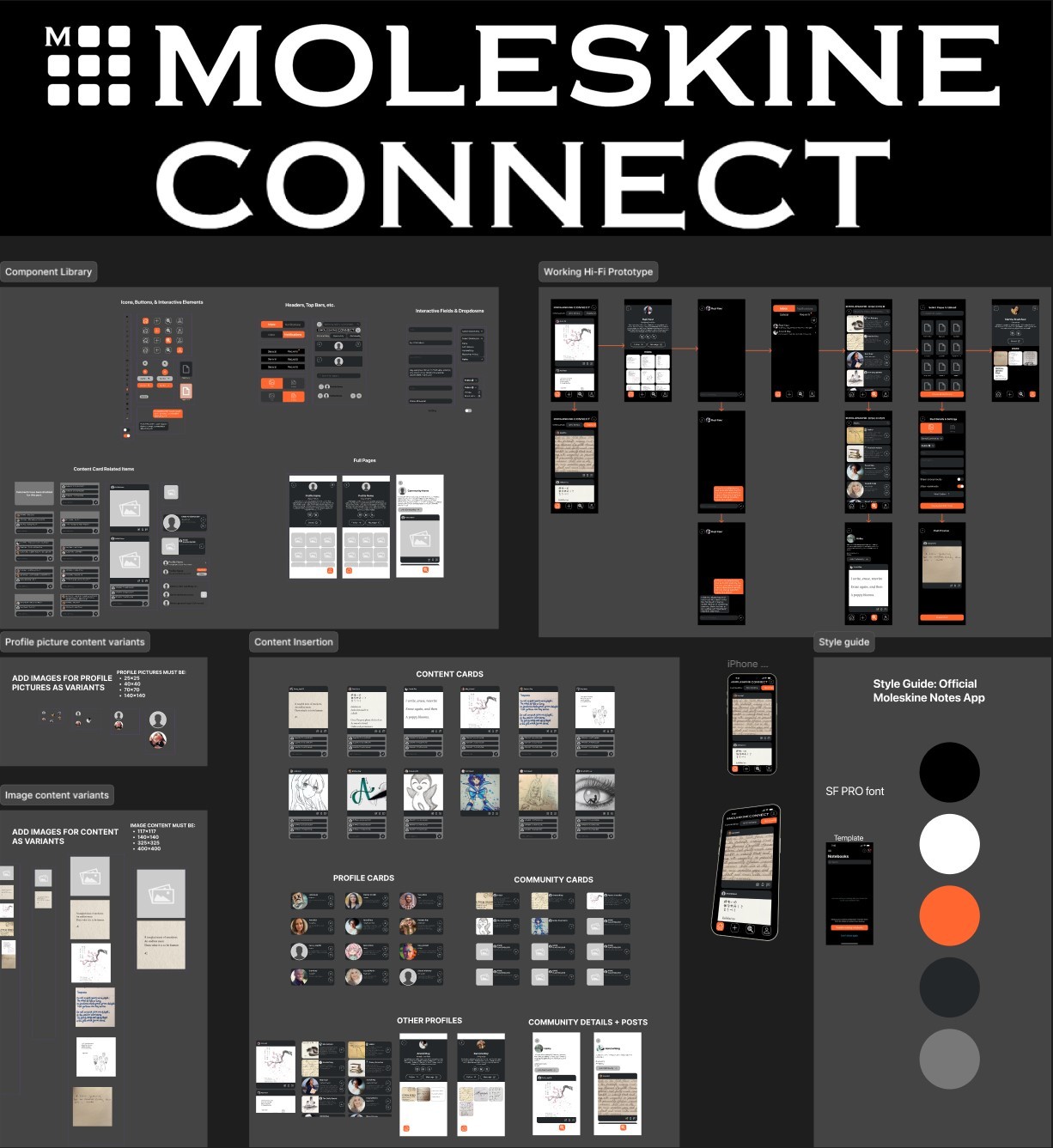
Moleskine Connect was our solution to what notebook users were voicing to us about sharing their work. It is an app that connects users to people and communities that share your same interests. Users can keep work private, share selectively with trusted peers, or publish anonymously to supportive creative communities. It allows users to collaborate in safe spaces and stay in control of their creative exposure. Users upload their work directly from the Moleskine Notes app, which digitized work written in their Moleskine Smart Notebook. This was built in as a way to incentivize prospective users to buy the Smart Notebook for convenience of upload. Our designs went through layers of usability testing in order to ensure our interface was accomplishing what we had set out to achieve. I lead the process of creating the high-fidelity prototype of what a natural experience in Moleskine Connect would look like as a way of demonstrating to potential stakeholders how our app caters to users' feelings and emotions.
Moleskine Connect was our solution to what notebook users were voicing to us about sharing their work. It is an app that connects users to people and communities that share your same interests. Users can keep work private, share selectively with trusted peers, or publish anonymously to supportive creative communities. It allows users to collaborate in safe spaces and stay in control of their creative exposure. Users upload their work directly from the Moleskine Notes app, which digitized work written in their Moleskine Smart Notebook. This was built in as a way to incentivize prospective users to buy the Smart Notebook for convenience of upload. Our designs went through layers of usability testing in order to ensure our interface was accomplishing what we had set out to achieve. I lead the process of creating the high-fidelity prototype of what a natural experience in Moleskine Connect would look like as a way of demonstrating to potential stakeholders how our app caters to users' feelings and emotions.